
Do you have multiple hosts at home? Do you have any remote servers in the cloud that you want to monitor? Do you just want to check the status of your favorite website? Well this tool can do all of those things and more.
This open-source project is called Uptime-Kuma and has been one of my favorite tools for a long time. It provides a dashboard at a glance to show the “live” services and applications. The interface is slick and easy to use, there is a built-in dark mode, and the application even allows for notifications.
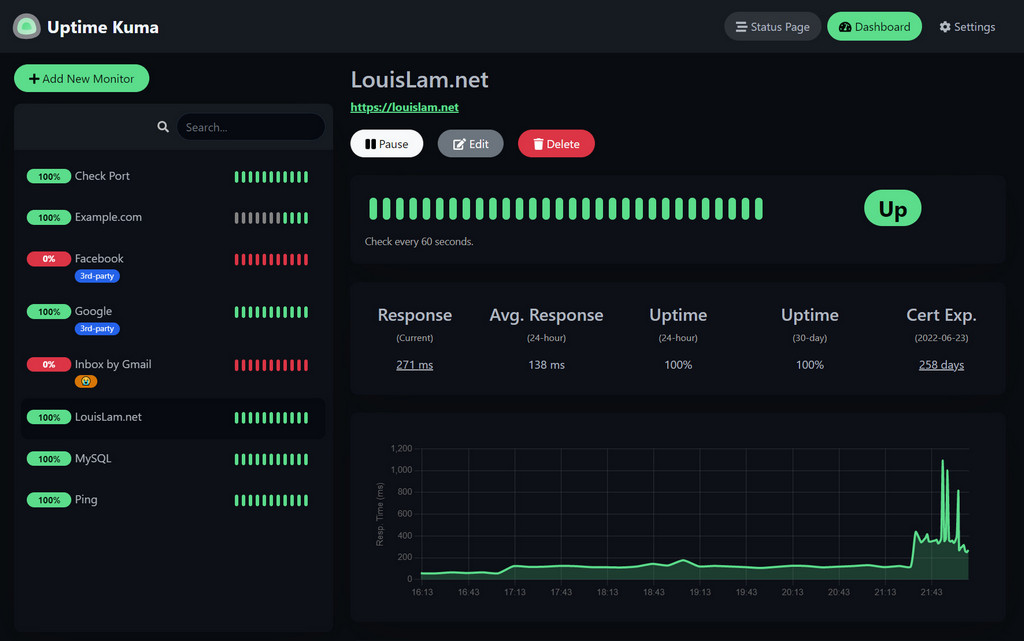
Now why would someone want to set something like this up? Well imagine you are hosting a media server, and you have multiple users who rely on this server. With this is being a pretty essential service, wouldn’t you want to know when it goes down for rapid-response troubleshooting? Also you can point this dashboard at your favorite site and be notified if it goes down for whatever reason. (Fair warning, certain sites have a shocking amount of quick outages so notifications will vary.)
To set this snappy little dashboard up, you will need to make sure you are running Docker. Head on over to this Link and install Docker with the instructions for your system.
After Docker is up and running, enter the following command:
docker run -d --restart=always -p 3001:3001 -v uptime-kuma:/app/data --name uptime-kuma louislam/uptime-kuma:1
After this finishes, navigate to http://127.0.0.1:3001 and you should be off to the races. From this page you can create a profile, and add different “Monitors” in which the Uptime-Kuma reaches out to these remote hosts/services and checks to see if they are still “alive”.

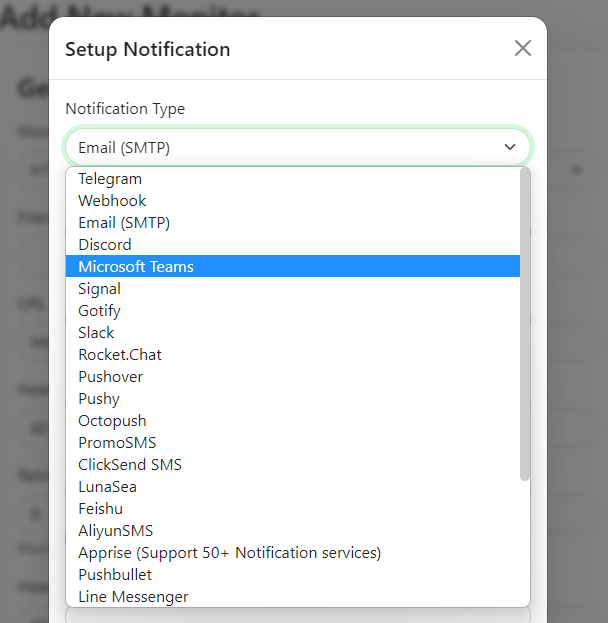
If for whatever reason, one of your services or sites goes down, you can be notified by any number of means, from Microsoft Teams to Signal. I like to use Discord Bots to notify me.
A big shout out to LouisLam, the developer of this lovely project. Head on over to their page and check out their Socials, and feel free to donate if you feel so inclined.
Hopefully you got some use out of this post and can enjoy Uptime-Kuma as much as I have. Keep on learning and as always, stay curious.
 Greyson's Tech Blog