
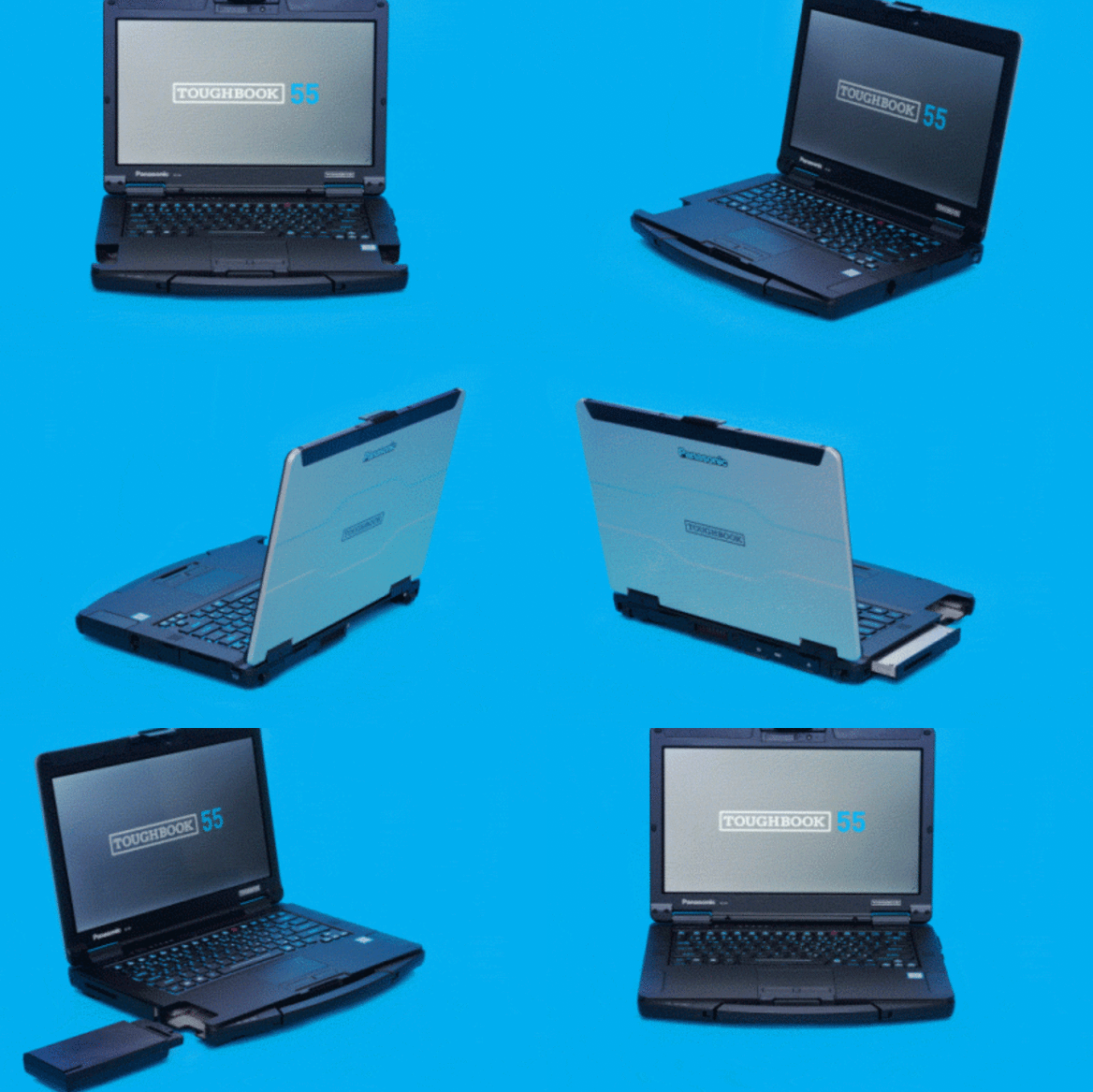
Right-to-repair has always been a hotly debated item in the tech industry. Businesses want to lock down their hardware components and encourage more sales. However, consumers want control over their hardware and the ability to repair/replace each component. The tricky part is that nobody wants a chunky, frankenstein-looking piece of hardware (no offense to the Toughbook from Panasonic). Outside of niche audiences, items like these don’t appeal to the mainstream who usually want a sleek, and light design such as the Dell XPS or the Macbook air.
Efforts of modular tech companies have come and gone in the past and fizzled out as quickly as they were announced. For example, Google drummed up big hopes with their Modular Phone project Ara and then quickly dropped the project shortly after announcing developer bundles.
Enter Framework. A computer hardware company that offers a slim and beautiful laptop that is entirely repairable. Framework is a strong proponent of the right-to-repair movement for electronics and makes it an affordable and easy process.
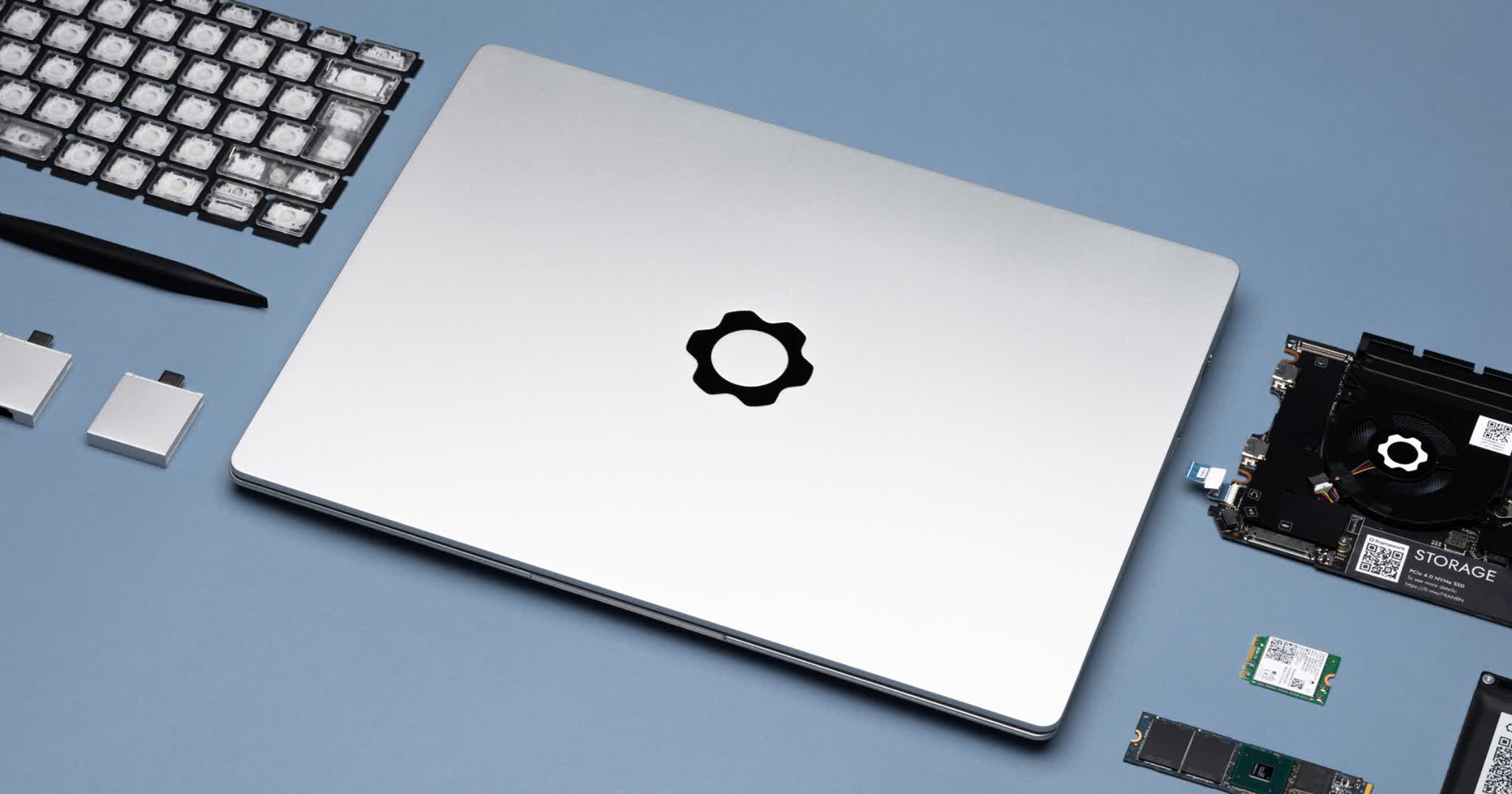
I ordered the Framework Laptop back in November and received it a few weeks later. I have been happily using it daily ever since. Obviously, nothing is without its faults. I will get into my thoughts after a few observations.
Each Framework laptop is easily disassembled and each component is easily removed, replaced, and upgraded. The parts are all offered on the Framework Marketplace. None of the items are proprietary to Framework and one can easily swap out pieces from other laptop manufacturers if they are compatible.
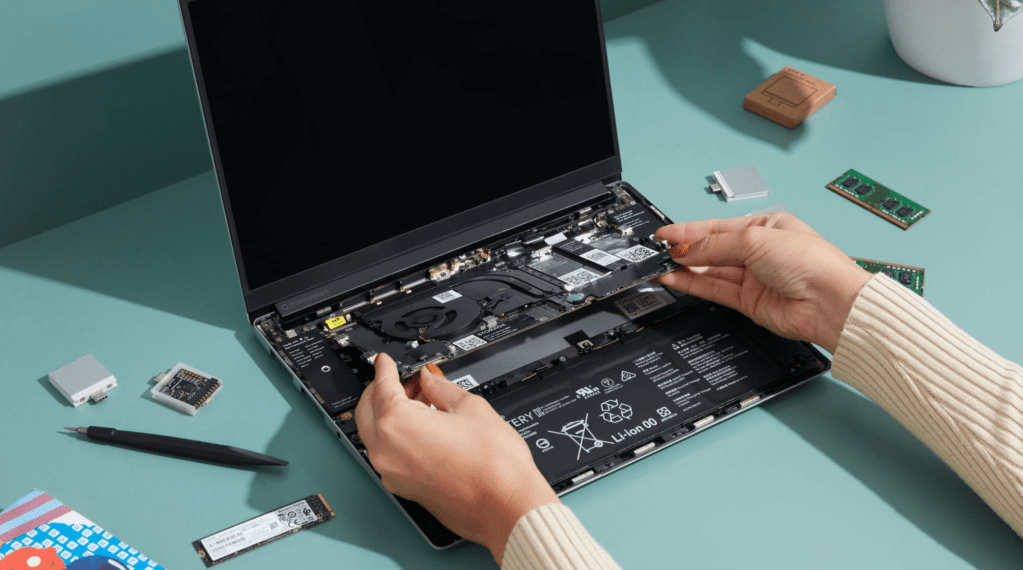
The inside of the Framework Laptop has QR codes labeling each item. When scanned, the QR code takes the user to the Framework Manual for the corresponding part and how to replace it.
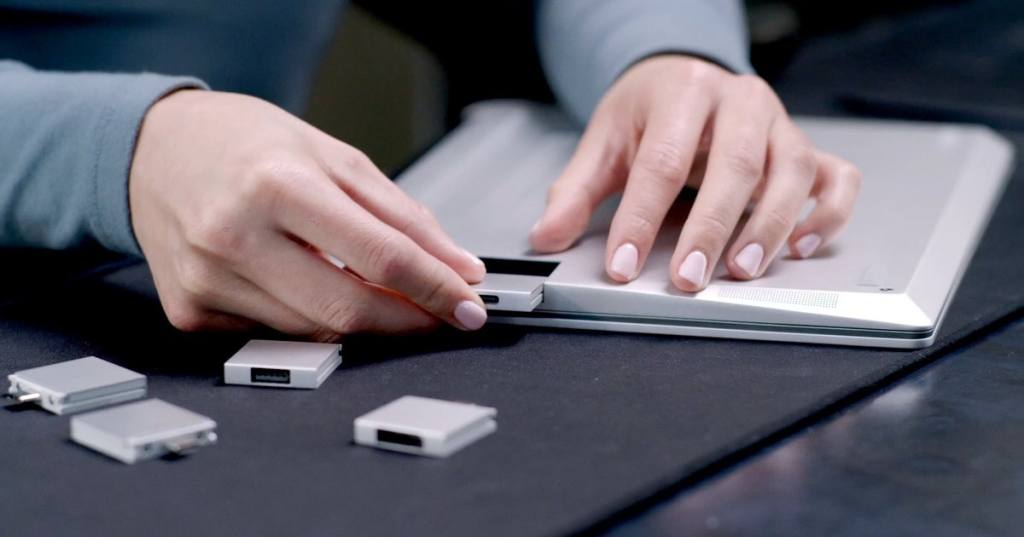
Framework offers modular IO that they have coined “expansion cards” and these things are AWESOME. Each expansion card can be easily slid in and out of the laptop, and the laptop holds up to four. These IO (input/output) devices can offer a number of customized functionality to your Framework, such as a USB type-A port, a micro-SD card port, Display options like HDMI and Display Ports. I, personally, like to have 2 USB type-C ports, (one on each side for easy charging) and 2 USB type-A ports, one on each side for easy access.
Overall, my experience with the Framework has been a very pleasant one. This laptop has done an amazing job as my daily driver. For reference, when I received the laptop I installed Fedora 35 on it and this may affect some factors that I will cover in a bit.
As far as the hardware is concerned, I love just about everything about this laptop. It truly is a joy to use. The nice aluminum build and awesome gear logo make me proud to take this laptop wherever I go.
The laptop is light and is easy to throw in a backpack weighing in at 1.3 kilograms or roughly 2.8 lbs.
The keyboard is a great experience. The keys are responsive, have great travel, and provide an awesome tactile feedback. The adjustable back-light is great too, with three different brightness settings. This keyboard is a far cry from the boring, unresponsive flat membrane keyboard you get from some slimmer laptops.
The awesome fingerprint scanner doubles as the power button and has worked every single time I have needed it. The LED light ring around the fingerprint scanner looks great and adds a futuristic look coupled with the nice backlit keyboard.
The mousepad is responsive and allows for multi-touch options and even has an actual clicking option if that’s your preferred method of navigation.
The 13.5″ screen has great quality and gets the job done. It has an unconventional 3:2 ratio and works fine, but when compared to higher end slim books like the Dell XPS, it is a bit dull in comparison. Also it is somewhat floppy and has a tiny bit of give when under slight pressure, much more than its higher-end competitors.
The battery life I have experienced has been less than exciting. I am still trying to figure out if this is an operating system issue or if this is a hardware issue. Using Fedora without any tweaks, I can get probably 4 hours of continuous use until I need to run for my charger.
The camera is 1080p but otherwise is nothing to write home about, and honestly most of the time I have mine switched off. That’s right. There is an option to switch off the Camera and Mic, so the software doesn’t even recognize the hardware. A solid security option that beats having scotch tape over the webcam.
The expansion cards option is awesome, and I have bought just about every expansion card that Framework has to offer. I really like the customization they allow for. My only critique would be the ease of removing the expansion cards. There is a small button that is supposed to make removing the cards easier when pressed, but it seems to be a struggle regardless. This has led to many launched expansion cards after struggling to pry them out.
Overall, my experience with this laptop has been quite positive. I absolutely recommend this laptop to anyone who is in the market for a new computer.
I hope you got something from this review, and feel free to reach out with any questions! Stay curious.
 Greyson's Tech Blog