
As you get more involved in the cyber realm, you may seem to notice that Virtualization seems to be all the craze these days. But maybe you worry that it might be a little late in the game to ask a coworker what a Virtual Machine is. Have no fear, I will explain what a VM is and how it is useful over going the standard route.
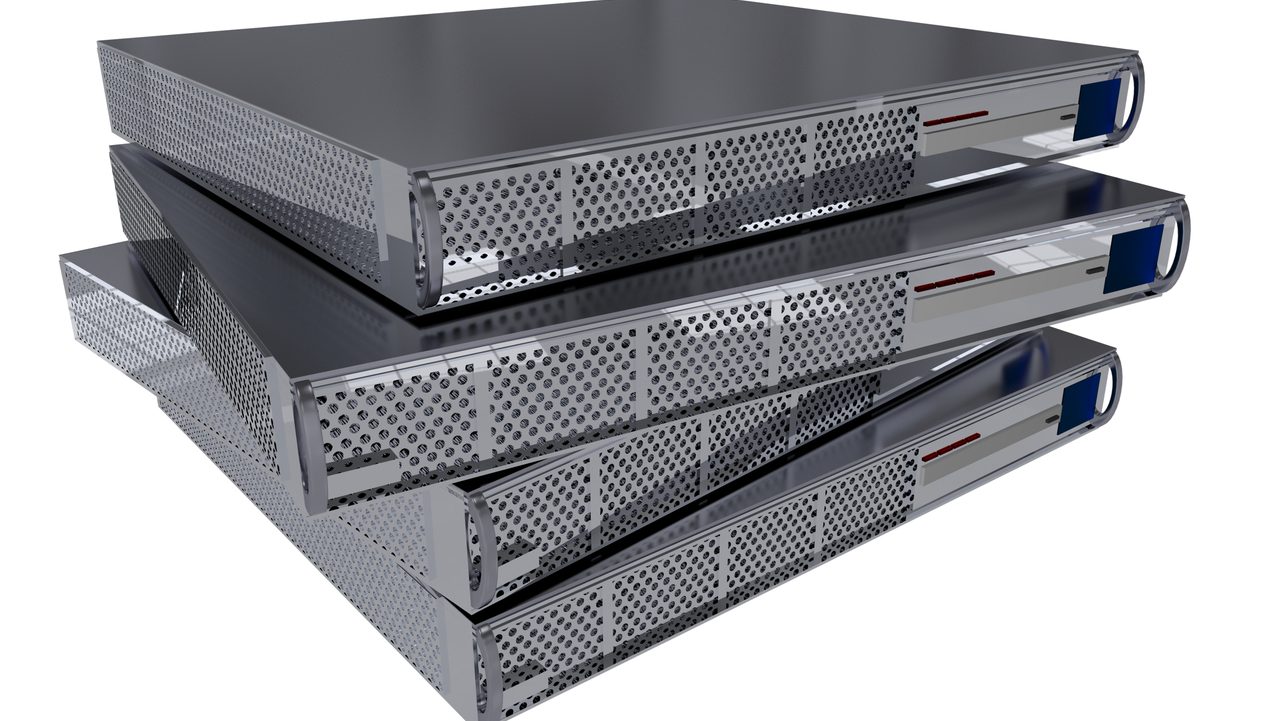
First thing to cover is that there are essentially two ways of utilizing your hardware. First, and more traditional route, is using a server WITHOUT virtualizing. This means running an Operating System directly on the computer as a normal install. This is known as Bare-Metal. The term refers to running the Operating system directly on the system, or on the bare metal.
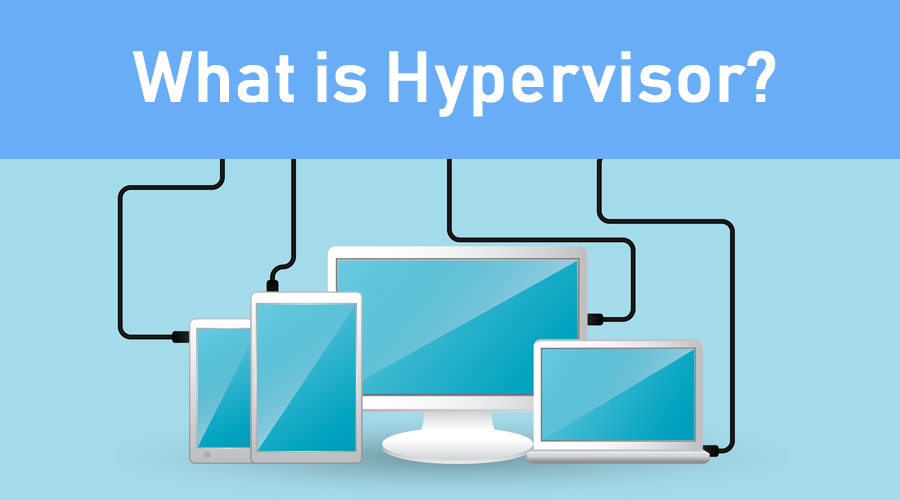
The alternative means of utilizing your hardware is known as Virtualization. This means running a Software known as a Hypervisor (sometimes referred to as a Virtual Machine Manager) which allows your Hardware to run multiple operating systems simultaneously. The way this is accomplished, is by allowing for the computing power and RAM to be distributed up among all of the installed operating systems on the system running the Hypervisor software.
How are the resources allocated for each of the VMs? Well that is an excellent question. The Random Access Memory is decided at each install, more specifically how many Gigabytes will go to which Operating System. The virtual cores, (a fancy way of measuring computing power) however are usually split up in a more complicated way. While you can allocate cores to different devices, at the end of the day, the hypervisor utilizes resources as it needs it and surrenders cores back to different OSs as it is idle.
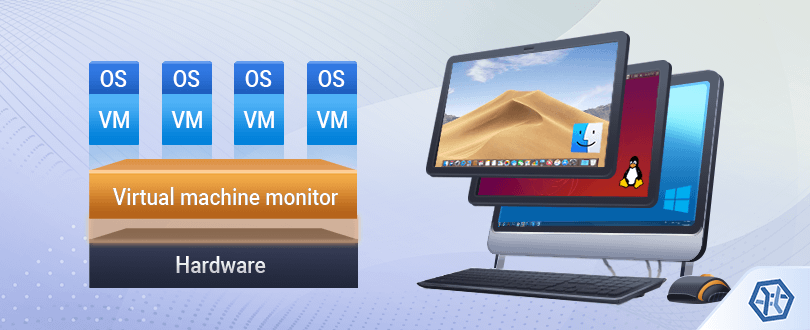
So why in the world would anyone choose bare-metal over virtualized operating systems? Well, Hypervisors do allow for the advantage of running multiple OSs simultaneously which could limit hardware, ie more virtual boxes means you need less physical boxes BUT with that being said, you are trading direct computing power, and Random Access Memory usage, for multiple operating systems. You are dipping into a single resource pool to try to accommodate multiple operating systems. There is usually a slight degradation of graphical user experience when juggling resources like this. They may manifest in a slower seeming system, maybe the mouse doesn’t move quite as fast, or there are noticeable lag times.
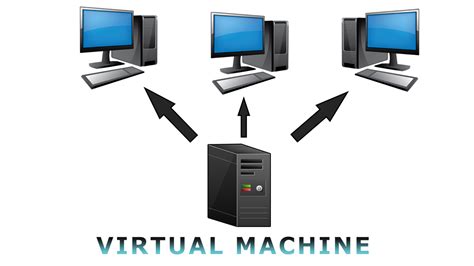
Now all of these things may affect a user who is actively interfacing with a Graphical Environment, but a user interfacing with a server OS would not be able to distinguish the difference between a virtualized system from a bare-metal system. This makes virtualization (assuming you have sufficient resources) an ideal candidate for server usage. Why wouldn’t someone want to seamlessly split their single computer into four working servers, that will host dozens of valuable Homelab services?
At the end of the day, the choice is yours. If you want to run a dozen bare-metal servers, and clutter your house with computers, so be it. But if you invest in a powerful server, you could potentially run those puppies virtually and all on the same system. But the trade-off is then a single point of failure. I, myself have found a happy medium, with a handful of PCs running vital infrastructure bare-metal, while virtualizing some more services in that stack.
I will cover virtualizing services in a later post.
Until then, have fun learning and stay curious, friends.
 Greyson's Tech Blog