
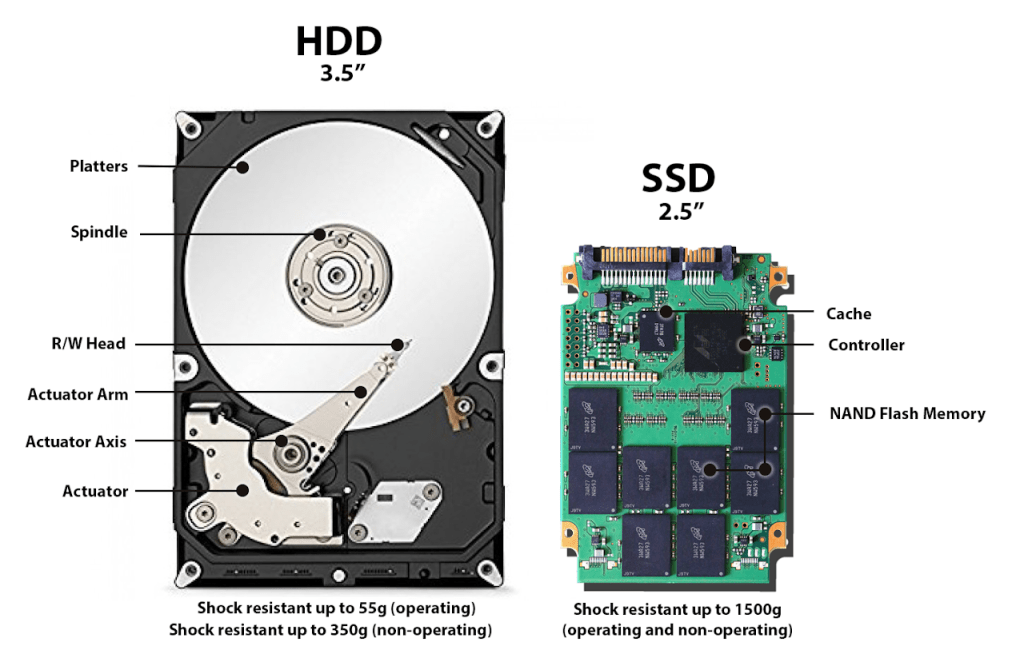
Every computer uses memory in two MAIN ways. Computers use dynamic memory for RAM, and static memory for Storage. Storage mediums are usually larger and store a computers files in an On or Off state.
Lately I have been hearing a lot of chatter about upgrades to Storage mediums that have vastly improved the performance of a computer. Specifically using a SSD instead of a HDD.
With all of the hype of SSDs (Solid-State Drives) over the traditional internal HDDs (Hard-Disk Drives) I had been hearing from coworkers and fans of the storage medium, I had to see what all of the fuss was about.
I did a little research, (various google searches and article skimming) and pretty much gathered the same few things from various sources;
- SSDs are significantly faster (noticeable when booting from a SSD over a HDD)
- SSDs are way more durable, (bonus for usage as an external SSD)
- SSDs are more power efficient, partly due to no moving parts (which means they are quieter too!)
Price differences aside, I see no downsides to the SSD and only advantages. I was looking to upgrade my Laptop Storage anyway, so hey why not.
Looking around, there is a bit of a price increase in SSDs over HDDs but it’s not crippling until you start talking serious storage sizes. But hovering around the 1TB range shouldn’t break the bank.
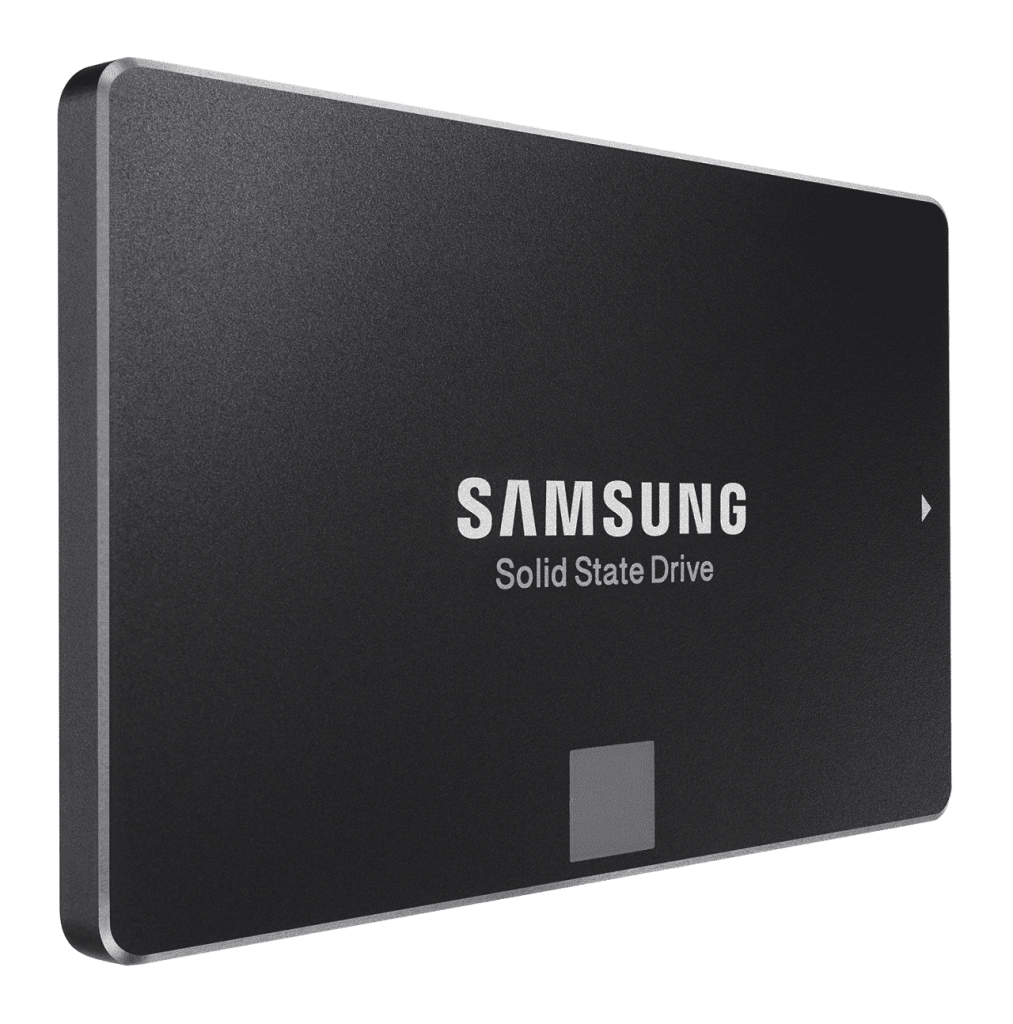
I picked up a Samsung SSD for about 100$ during a Black Friday Sale. With the help of some precision tools, and a thumb drive for a System Restore, it installed pretty easily.
(Warning: A System Restore is required when upgrading Primary Storage Media, since the Operating System boots from that space in memory. It is important to know the process of a total System Restore, and CRUCIAL to backup all valuable files to external storage.)
As far as the Solid State drive is concerned, I noticed the difference immediately. The first boot, (and each subsequent boot) was impressively fast. It was a great upgrade from the 550 gigabyte Hard Disk Drive I was working with before. By and Large, I am pretty satisfied by the performance, storage size, and speed.
CONCLUSION: If you have the coinage for a new Solid State Drive and know the proper installation procedures; Go for it.
If not, its not an absolute must. But it is a pretty nice upgrade.
Thanks for reading, now go out and make cool things!
 Greyson's Tech Blog